
Desktop Publishing Software vs Word Processing: Which One to Choose
Last updated on June 18th, 2026
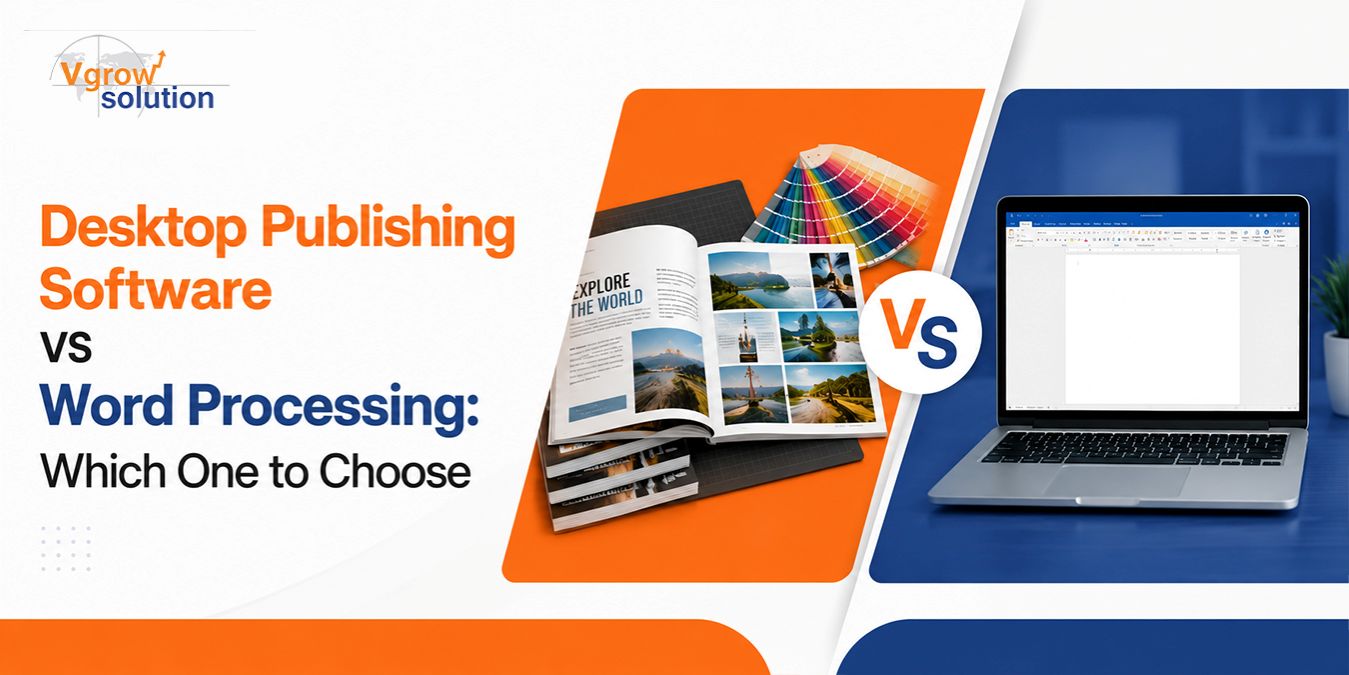
Choosing between word processing and desktop publishing tools depends on how complex, visual, and publication-ready your final document needs to be. Word processing software is designed for drafting and editing text quickly, while desktop publishing tools focus on precise layout design, typography control, and professional visual composition.
These principles apply across all publishing tools, whether basic word processors or advanced layout software, since the core goal remains structured and visually effective communication.
Businesses often rely on desktop publishing services to convert simple drafts into polished, publication-ready documents. Many also use content localization services and a desktop publishing specialist to ensure documents remain consistent across multiple languages and markets.
Table of Contents
What Is Word Processing Software?
Key Features of Word Processing Software
What Is Desktop Publishing Software?
Key Features of Desktop Publishing Software
Word Processing vs Desktop Publishing: Key Differences
What Is Word Processing Software?
Word processing software is designed for creating, editing, formatting, and managing text-based documents. It prioritizes simplicity, speed, and ease of use, making it ideal for users who need to create professional documents without requiring advanced design or publishing skills. These tools typically provide features such as text editing, spell checking, formatting options, templates, and collaboration capabilities.
Common use cases include reports, memos, resumes, business proposals, and internal documentation. Many teams also use a virtual desktop publishing assistant when converting word-processed files into more visually structured layouts for external use, such as marketing materials, presentations, or branded documents.
Modern word processing software has also evolved to support cloud collaboration, real-time editing, document sharing, and workflow integration. These features allow teams to create, review, and update documents more efficiently while maintaining consistency across business communications and content processes.
Key Features of Word Processing Software
Word processing software provides essential tools for creating and managing text-based documents efficiently. These features are designed to help users produce professional-looking files for everyday business, academic, and personal needs without requiring advanced design skills. While word processors are highly effective for standard documentation, they have limitations when compared with specialized desktop publishing services that focus on complex layouts and visual design.
Key features of word processing software typically include:
Text Formatting Tools: Word processors allow users to adjust fonts, text size, spacing, alignment, headings, and paragraph styles. These tools help improve document readability and create a more organized structure.
Spell Check and Grammar Correction: Built-in language tools help identify spelling mistakes, grammar issues, and writing errors. These features improve document accuracy and reduce the need for manual proofreading.
Templates for Business and Academic Documents: Pre-designed templates help users quickly create resumes, reports, letters, proposals, and other common document types. Templates save time while maintaining a consistent and professional appearance.
Basic Image Insertion: Users can add images, charts, and simple visual elements to support document content. However, image placement and design options are generally more limited than those available in professional publishing tools.
Collaboration Tools: Features such as comments, track changes, version history, and real-time editing allow multiple users to review and improve documents efficiently. These tools are especially useful for teams working on shared files.
While word processing software is effective for everyday documentation and content creation, it may not provide the advanced layout control, typography options, or design flexibility required for complex print materials. For projects involving brochures, magazines, catalogs, or highly visual documents, businesses often rely on desktop publishing services for more precise design and formatting.
Transform simple text drafts into publication-ready content with professional desktop publishing services.
What Is Desktop Publishing Software?
Desktop publishing software is used to create visually structured, multi-page documents that require precise layout control and professional design elements. Unlike traditional word processors, these tools focus on arranging text, images, graphics, and visual components to produce polished materials such as brochures, catalogs, magazines, newsletters, advertisements, and branded publications.
Desktop publishing software is especially valuable for organizations that require high-quality visual communication materials. It provides greater control over page structure, design consistency, and print-ready formatting, making it a preferred solution for marketing teams, publishers, and businesses producing professional documents for external audiences.
Key Features of Desktop Publishing Software
Desktop publishing software provides advanced design and layout capabilities that go beyond the basic formatting options found in standard word processing tools. These features allow designers and businesses to create professional, visually consistent documents for print and digital distribution. Because of its precision and flexibility, desktop publishing is widely used in professional design workflows, marketing materials, and large-scale content production.
Key features include:
Advanced Page Layout Control
Desktop publishing tools allow users to precisely arrange text, images, graphics, and other elements on a page. This level of control helps create balanced layouts for brochures, magazines, catalogs, and other complex documents.
Typography Precision and Font Styling
These platforms provide detailed control over fonts, spacing, alignment, and text hierarchy. Proper typography helps improve readability while maintaining a professional brand appearance.
Multi-Column Grid Systems
Grid-based layouts make it easier to organize large amounts of content in a structured way. This feature is especially useful for newsletters, publications, reports, and marketing materials.
High-Resolution Image Placement
Desktop publishing software supports high-quality images and advanced positioning options to maintain visual clarity. Designers can adjust image size, placement, and alignment to create more engaging layouts.
Print-Ready Export Formats
These tools support professional file formats required for printing and publishing. Export options help ensure documents maintain proper quality, formatting, and design accuracy during production.
Master Page Templates for Consistency
Master pages allow users to apply consistent layouts, styles, headers, and design elements across multiple pages. This improves efficiency when creating large documents with a unified appearance.
These capabilities make desktop publishing software essential for professional desktop publishing services and scalable content production workflows. By combining design flexibility with efficient layout management, businesses can create polished materials that support branding, communication, and marketing goals.
Desktop Publishing Software vs Word Processing: Key Differences
Although word processing software and desktop publishing (DTP) tools are often used for creating documents, they serve different purposes. Word processors are designed for efficient text creation and editing, while desktop publishing software focuses on professional visual design, layout control, and publication-quality output. Understanding these differences helps businesses choose the right tool based on their content needs and production goals.
Purpose and Functionality: Word processing software is primarily focused on writing, editing, and formatting text-based documents such as reports, proposals, and internal files. Desktop publishing software is designed for creating visually structured materials where layout, branding, and design presentation are equally important.
Document Layout Control: Desktop publishing tools provide advanced layout flexibility, allowing users to precisely position text boxes, images, graphics, and design elements. Unlike word processors, DTP software supports structured grids and detailed page arrangements required for professional publications.
Typography and Design Capabilities: Word processors offer basic font and formatting options, while desktop publishing software provides advanced control over typography, spacing, styles, and visual hierarchy. These capabilities help maintain brand consistency across professional desktop publishing services.
Image and Graphics Management: DTP software is built to handle high-resolution images, layered graphics, and complex visual elements. This makes it more suitable for marketing materials, brochures, catalogs, and other design-heavy documents.
Multi-Page Document Handling: Desktop publishing tools are optimized for managing complex multi-page projects such as books, magazines, catalogs, and brochures. A desktop publishing specialist can create consistent layouts across multiple pages using advanced templates and design systems.
Output and Print Quality: Desktop publishing software supports professional export formats and print-ready files needed for commercial production. This ensures documents maintain proper quality, alignment, and formatting during printing.
Learning Curve: Word processors are generally easier for beginners because they focus on straightforward document creation. DTP tools often require more design knowledge, and businesses may rely on a virtual desktop publishing assistant or trained professionals for complex projects.
Cost and Accessibility: Word processing software is widely available and commonly used for everyday documentation. Desktop publishing tools are more specialized and typically involve higher costs due to their advanced design features and professional applications.
Overall, word processing is ideal for simple text-based documents, while desktop publishing is the better choice for businesses that need professional layouts, branded materials, and visually engaging publications.
Comparison Table: Desktop Publishing vs Word Processing
Word processing and desktop publishing software both help users create professional documents, but they are designed for different purposes. Word processors prioritize speed, simplicity, and text-based content creation, while desktop publishing tools focus on visual design, layout precision, and publication-quality output. The table below highlights the key differences between the two based on their features, capabilities, and typical use cases.
| Feature | Word Processing | Desktop Publishing |
| Primary Use | Creating and editing text documents | Designing structured visual layouts |
| Layout Control | Limited positioning and formatting options | Advanced control over page elements, grids, and design placement |
| Typography | Basic font and text formatting | Professional typography tools for branding and design consistency |
| Image Handling | Simple image insertion and placement | Advanced image management, positioning, and high-resolution support |
| Output Quality | Best suited for digital documents and everyday use | Designed for professional, print-ready materials |
| Learning Curve | Easy to learn and use | Moderate to advanced, often requiring design skills |
How to Choose the Right Solution for Your Needs
Choosing between word processing and desktop publishing depends on the type of document you are creating, the level of design control required, and the resources available within your team. While word processors are ideal for simple and functional documents, desktop publishing solutions are better suited for professional materials that require strong visual presentation and brand consistency.

Consider the following factors:
Based on Document Type: Choose a word processing software for everyday business documents such as reports, proposals, memos, and internal documentation. For marketing materials, brochures, catalogs, magazines, and branded publications, desktop publishing software provides the advanced layout capabilities needed.
Based on Design Requirements: If visual branding, typography, and professional presentation are important, investing in desktop publishing services can deliver better results. DTP tools provide greater control over design elements, helping businesses create consistent and polished materials.
Based on Team Skills: Teams without design experience may find word processors easier for quick document creation and editing. For complex layouts, a desktop publishing specialist can help manage advanced design requirements and ensure professional-quality output.
Based on the Budget: Word processing tools are generally more affordable and accessible for basic documentation needs. Desktop publishing solutions may involve additional costs for software, training, or support from a virtual desktop publishing assistant, especially for large-scale design projects.
Conclusion
The choice between word processing and desktop publishing depends on your content goals. Word processing is ideal for drafting and editing, while desktop publishing delivers precision, design quality, and professional presentation.
Organizations that invest in desktop publishing services gain stronger visual communication and better production efficiency. With the help of a desktop publishing specialist, content localization services, or a virtual desktop publishing assistant, businesses can scale content creation while maintaining high design standards.
FAQ
1. What industries rely most on desktop publishing?
Industries such as publishing, advertising, education, and manufacturing rely heavily on desktop publishing for producing structured, visually appealing documents that require precise formatting and consistent branding.
2. Can desktop publishing improve brand consistency?
Yes, it ensures consistent typography, spacing, and layout across all materials. This is especially important when using desktop publishing services for marketing and corporate communication assets.
3. Is desktop publishing required for digital content only?
No, it is widely used for both print and digital formats. Print materials often require more precision, which is where a desktop publishing specialist becomes essential.
4. How does desktop publishing support multilingual publishing?
It works closely with content localization services to adjust layouts for different languages while maintaining design integrity, spacing, and readability across versions.

Vgrow